More control over your pools.
Better insights to manage them.
SafeGuard combines swimming pool occupancy monitoring with out-of-hours access detection, turning usage data into actionable insights for day-to-day facility management.
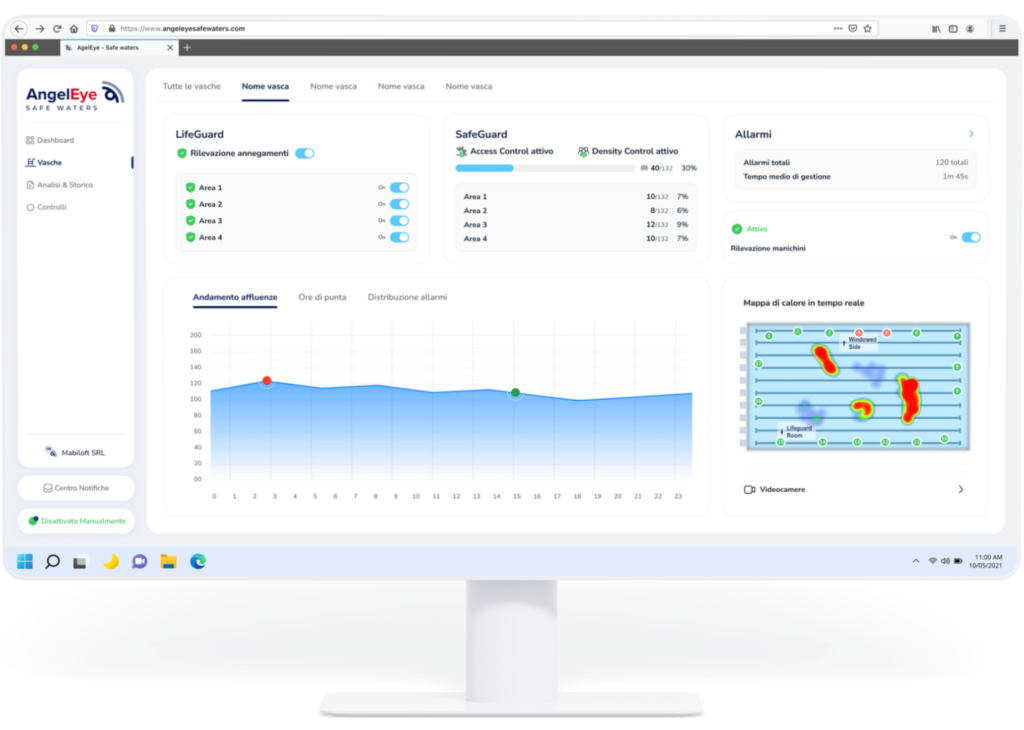
Monitor pool attendance in real time and over time.
Density Control provides swimming pool occupancy monitoring across configured pools and areas, showing how many people are present and how usage changes throughout the day. The data helps identify peak periods, compare different timeframes and understand how activity is distributed across each pool.
Real-time attendance. See how many people are present in each pool or monitored area. Data updates continuously, giving staff an immediate view of which spaces are busiest and where attendance is increasing.
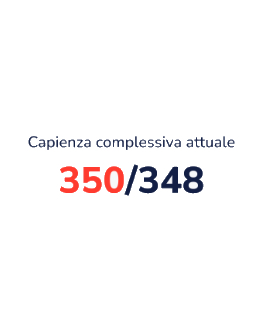
Configurable thresholds for each pool. Set individual limits based on the characteristics and operational needs of each pool. When attendance reaches or exceeds the set threshold, SafeGuard alerts designated staff.
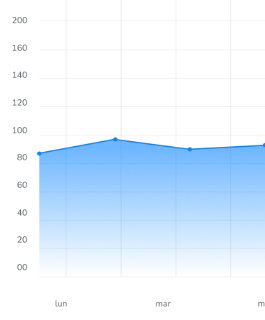
Attendance peaks and trends. Track how the number of people changes throughout the day and identify periods of highest use. The data helps reveal recurring patterns and shows when the pool is busiest.
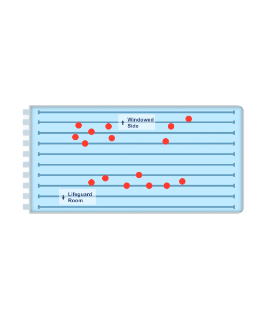
Real-time distribution. See how people are distributed throughout the pool at any given moment. The map provides an immediate view of activity and shows where attendance is most concentrated.
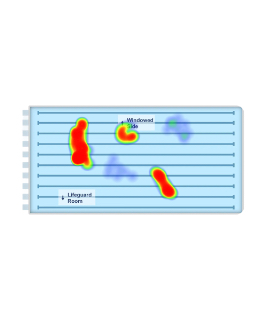
Heatmaps. Analyze which areas of the pool were used most during the selected period. Heatmaps reveal recurring concentrations, less frequented areas, and differences in how the space is used.
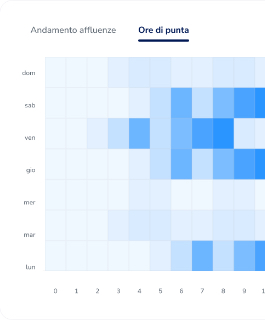
Historical analysis and comparison. Review data for different days, weeks, and time slots. Comparing periods helps distinguish busier times from quieter ones and identify recurring trends in facility use.
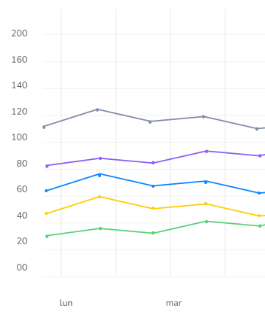
Pool and area comparison. Analyze data from multiple pools within a single interface. Compare attendance, peaks, and trends to understand which pools are used most and how demand varies across the facility.
Know when someone enters, even when the pool is closed.
Set authorised hours and monitored areas for each pool. When SafeGuard detects a presence outside permitted hours, it immediately alerts designated staff, who can verify the situation and respond according to the facility’s procedures.
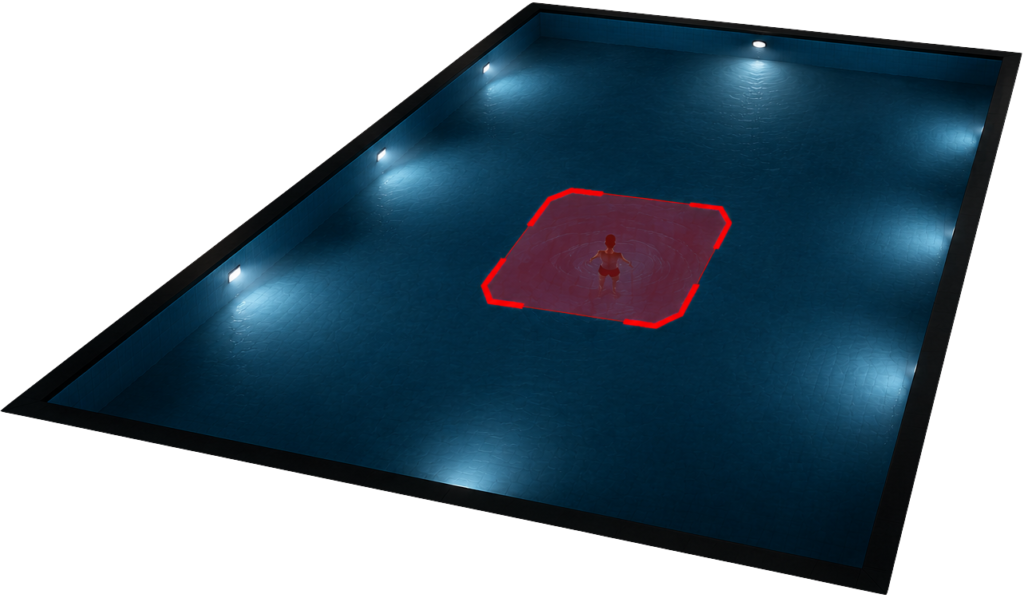
01
Custom schedules and areas. Define when access is authorised for each pool and which areas should be monitored.
02
Presence outside permitted hours. SafeGuard detects a person in a pool or an area that is closed to the public.
03
Staff notification. Designated staff receive an alert and can quickly check the affected area.
Privacy is an integral part of safety.
SafeGuard is designed to limit data processing to what is necessary for the system to operate. Images and information can be managed locally at the facility, with access restricted to authorised personnel. When recording is enabled, footage is retained for a limited, configurable period and automatically deleted once that period expires. The use of cloud services depends on the configuration selected by the customer.
Local data processing
Configurable retention
Optional cloud services
Data matters when it helps you make better decisions.
SafeGuard turns pool activity into practical insights that support day-to-day facility decisions, from attendance management and access control to staff and activity planning.
Manage peak attendance more effectively.
Identify the busiest periods and monitor attendance against the thresholds set for each pool.
Plan resources with better insights.
Use trends and historical data to understand which periods require greater attention and supervision.
Plan time and space more effectively.
Compare time slots and usage levels to support the scheduling of lessons, public swim sessions, and other facility activities.
Detect presence outside permitted hours in monitored areas and alert designated staff for prompt verification.
SafeGuard at Bocconi Sport Center
At Bocconi Sport Center, AngelEye SafeGuard supports pool attendance monitoring and usage analysis, giving staff a clear view of activity across its pools.
See how SafeGuard can support your facility.
Tell us how your pools are organised, which areas you want to monitor, and what your operational needs are. The AngelEye team will show you how SafeGuard can be configured around the specific characteristics of your facility.